RAVESHARK PS1 (BETA)
A downloadable RAVESHARK for Windows and Linux
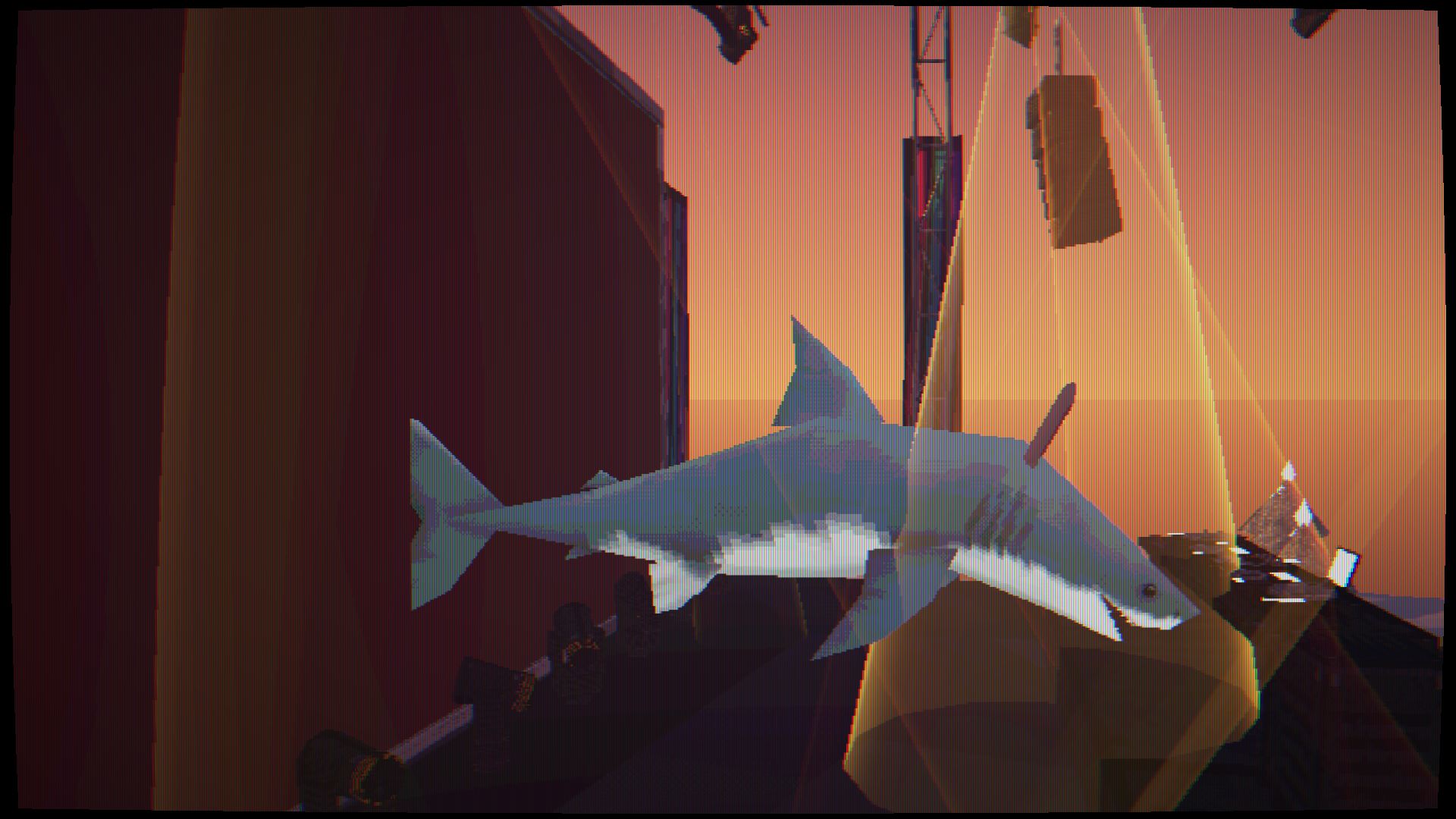
RAVESHARK is a high-energy, visual audio visualizer designed to turn your music collection into a full-scale concert. You pick a shark, choose a map, feed it your local audio files, and let the environment put on an automated stage show tuned directly to your track's beats, basslines, and frequencies. Every play gives you a completely custom, reactive light performance for your own music library.
Key Features & Aesthetic
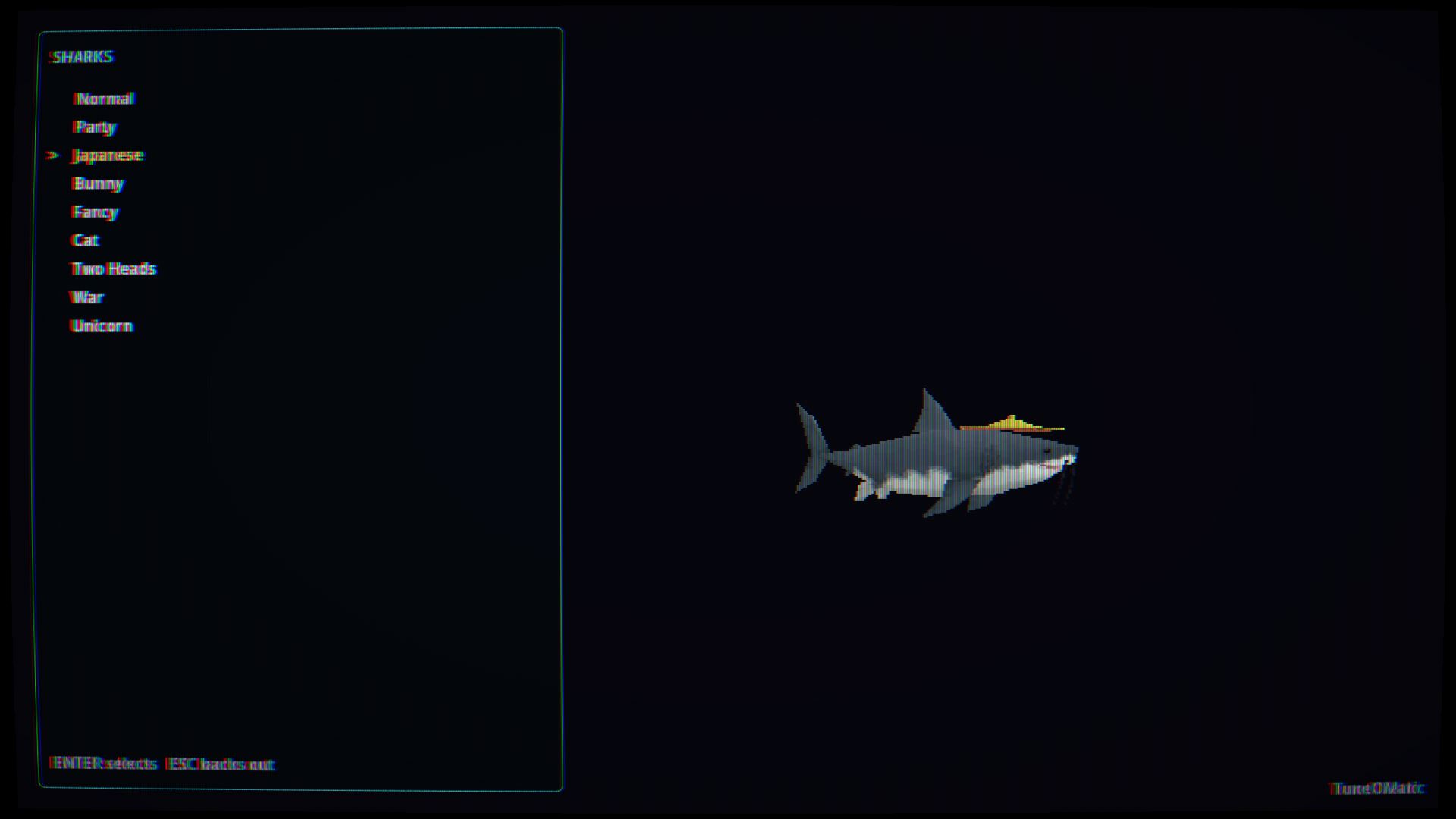
- 9 Playable Sharks: Select your lead performer from a roster of 9 distinct shark characters.
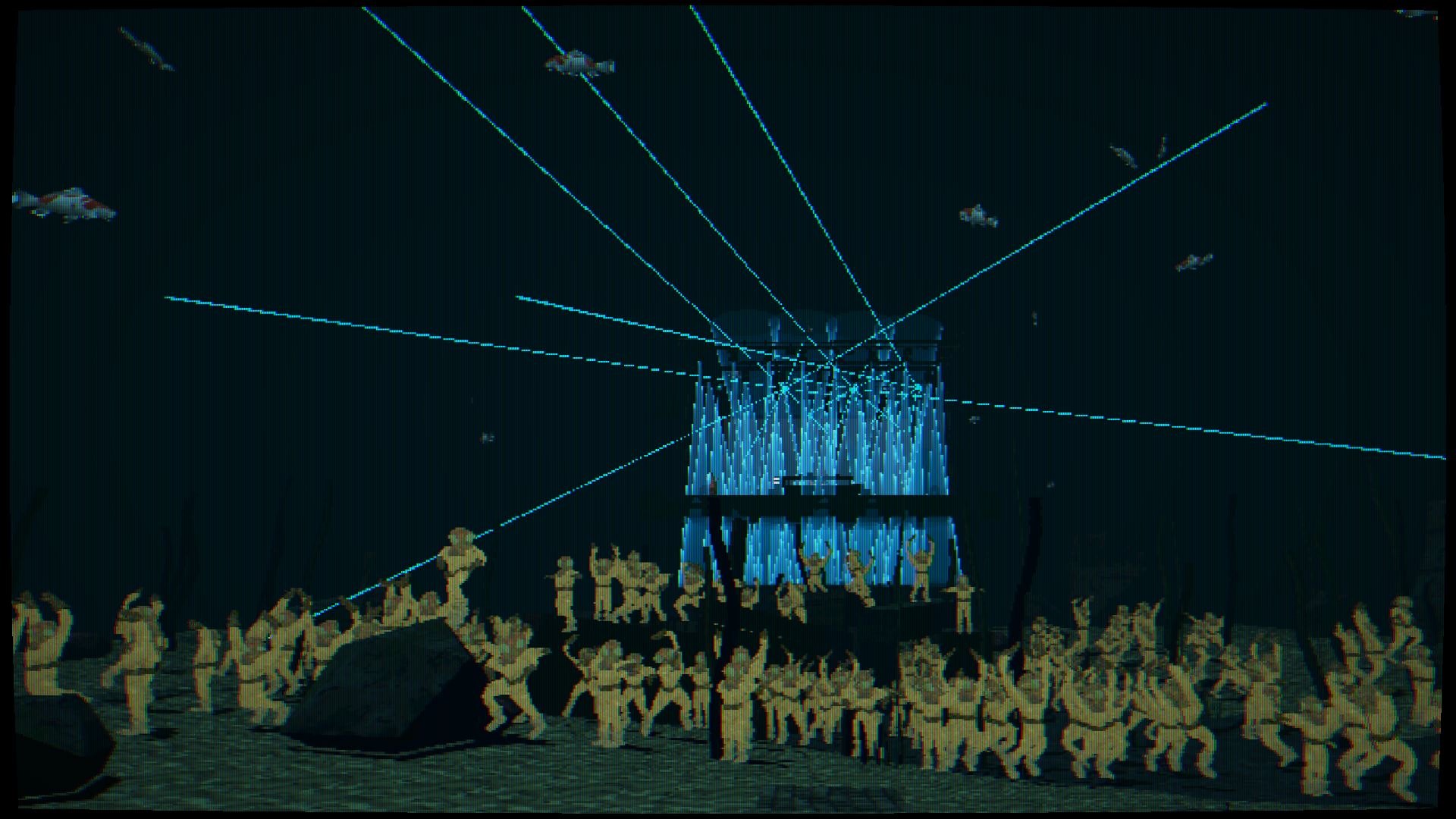
- 5 Unique Venues: Blast audio across 5 dedicated environments, including a flagship EDM Stage fully outfitted with dynamic, music-reactive light rigs.
- Retro Visual Style: Built with an authentic PS1-style low-poly aesthetic, crisp CRT monitor filters, and text-focused user interfaces to capture classic late-90s hardware vibes.
- The Headbanging Deer: Includes dynamic stage elements, like a dedicated headbanging deer reacting alongside the venue's light displays to match the energy of the track.
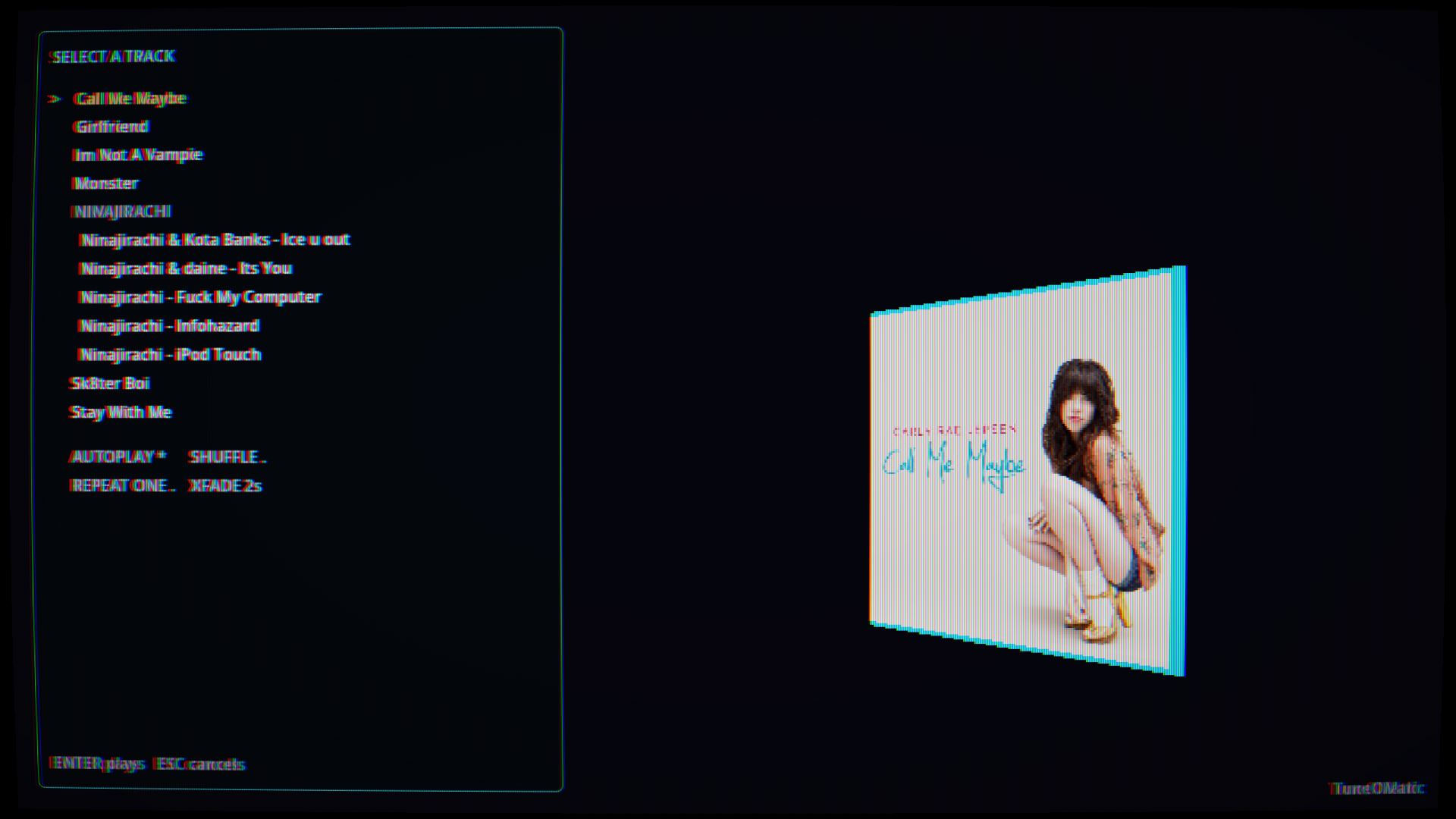
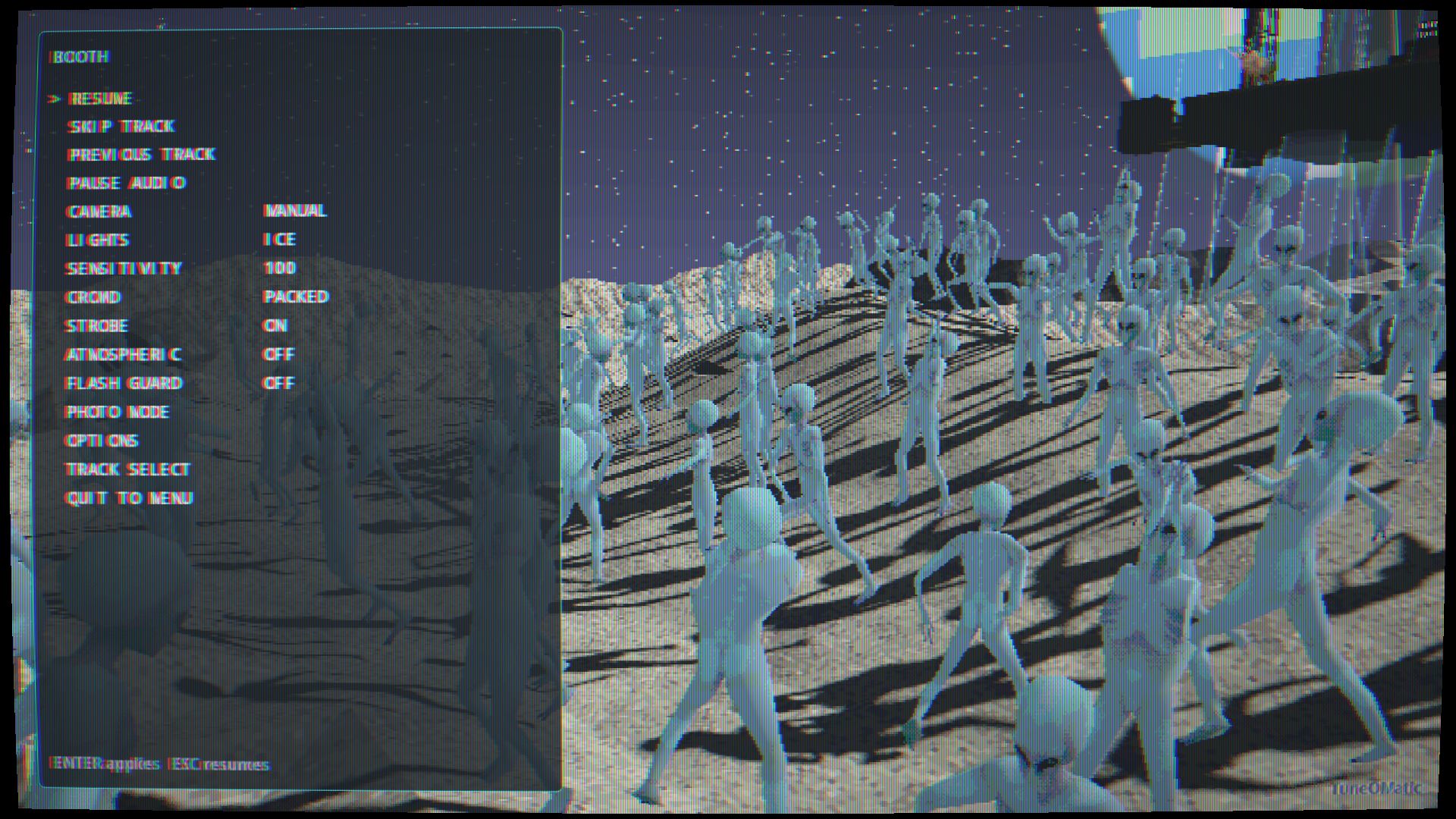
- Built-in Media Player UI: Control track playback, audio routing, and visual configurations directly through a vintage-styled retro player interface.
The Loop
- Select your Shark.
- Pick your Map.
- Load your Music.
- Watch the stage drive a personalized, light-and-sound performance built specifically around your song.
THIS IS A BETA RELEASE!
Please Consider DONATING If You Enjoyed This Project!!!
IMPORTANT!!!!
How to Add Your Own Songs to Raveshark
Follow these simple steps to bring your own music into the game. Step 1: Create the Main Songs Folder- Open your computer's File Explorer (where you view your files and documents).
- Right-click in an empty space, choose New, then click Folder.
- Name this new folder exactly:
songs
- Double-click to open your new
songsfolder. - Inside it, create another new folder.
- Name this folder the Title of the Song you want to play (for example: Bohemian Rhapsody).
- Open the song title folder you just created.
- Move your audio file into this folder. It must be an
.mp3or.oggfile (.oggworks best!). - (Optional) If you want album cover art in the game, drop an image file into this same folder and rename the image file
cover(make sure it's a.pngfile).
songs/Your Song Name/song.ogg(or.mp3) &cover.png(optional)
Step 4: Load It Up in Raveshark- Launch Raveshark and select a map.
- When the game asks you to upload or select a song folder, choose that main
songsfolder you created in Step 1. - The game will automatically load all your music folders inside it. You're ready to play!
Download
Click download now to get access to the following files: